19 · LIFLive✦ AI
Stay on top of your home before it breaks down.
Add appliances once. Log every service. Schedule recurring tasks. Get auto-flagged on expiring warranties and overdue maintenance: and ask AI exactly what to prioritise.
Warranty tracker · Service log · AI maintenance brief
Free · Every tool unlocked · No card
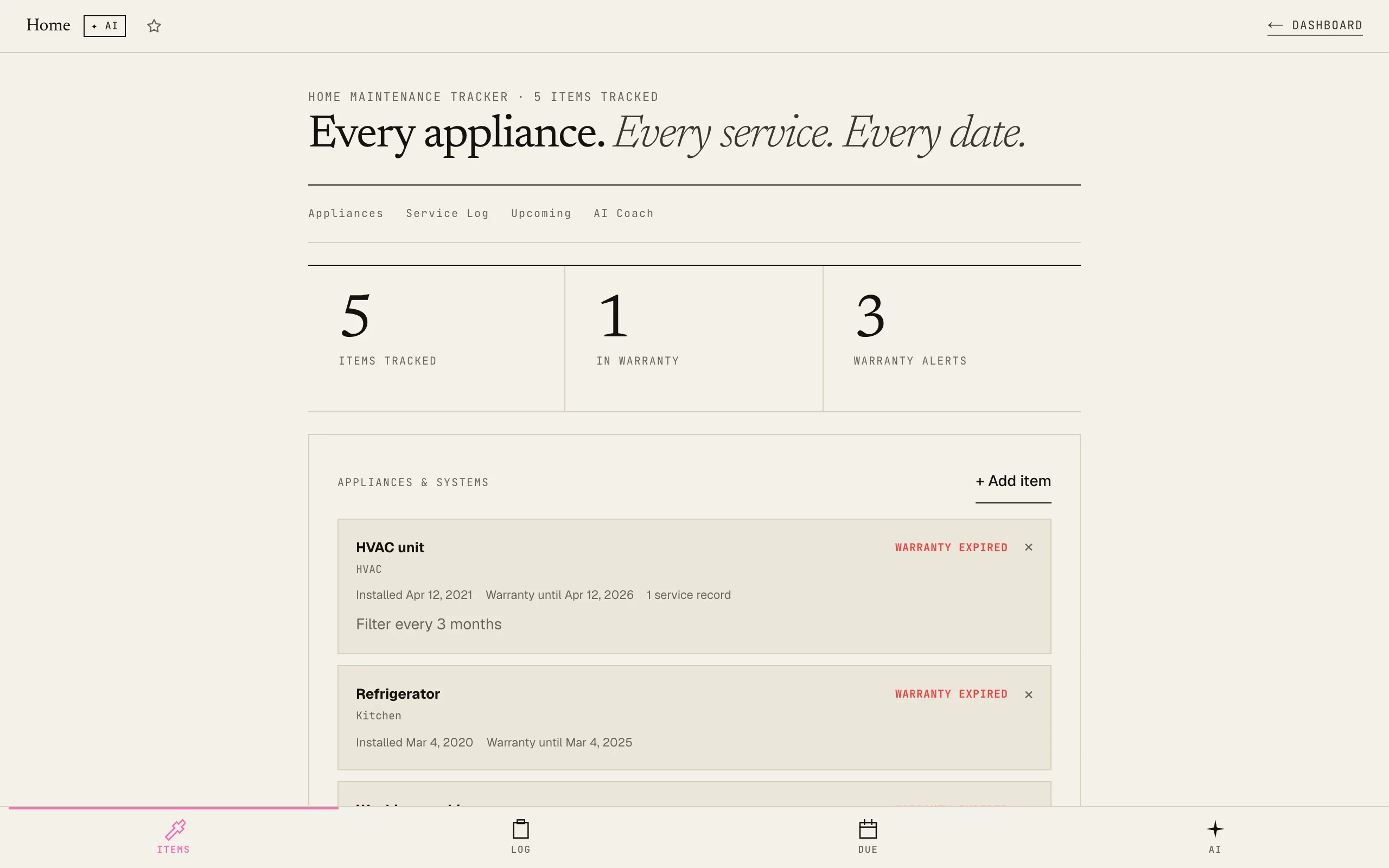
Every appliance, every warranty, never lost.
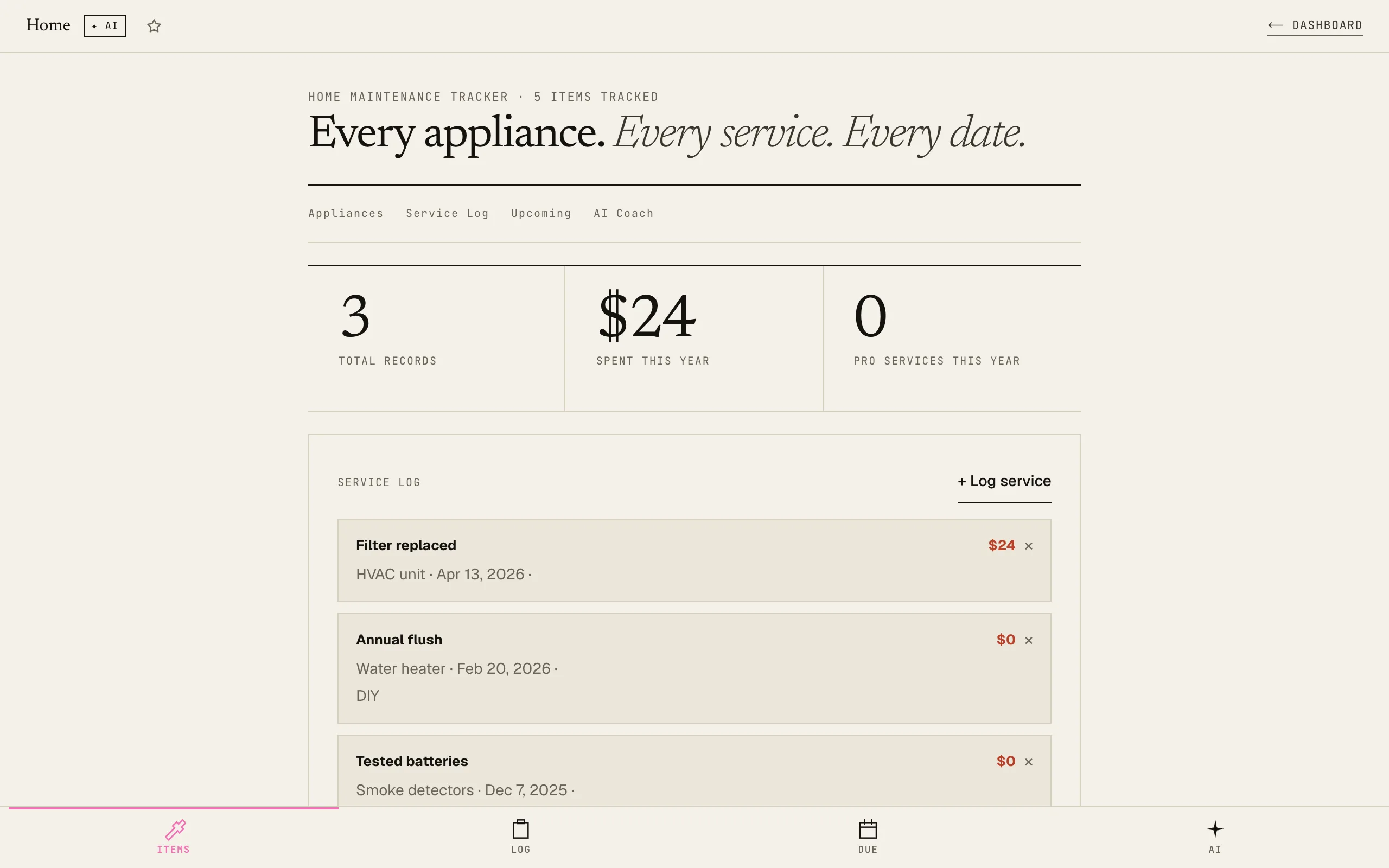
Every service you have done.
How it works
01Add your appliances and systems
Log every item that matters: name, category, purchase date, warranty expiry, and model number. Takes 2 minutes per appliance.
02Log services and schedule tasks
Record every repair, service, or inspection. Add recurring tasks (quarterly filter change, annual boiler service) with automatic due-date rolling when marked done.
03Get an AI maintenance briefing
AI reads your full home state: appliances, service history, overdue tasks, expiring warranties: and tells you what needs attention now, what to prep seasonally, and what quick wins prevent bigger problems.
Stop thinking about your home only when something breaks. Build the habit before the emergency.
Related tools · these read this one, and this one reads them
Try it yourself · no signup, just play
Use Home Maintenance Tracker right here. No signup, no card.
Like it? Save your work and get the AI Coach.
Sign up freeFrequently asked
What kinds of items should I add?
Anything that can break, expire, or needs periodic maintenance: white goods (fridge, washing machine, dishwasher), HVAC systems, water heaters, smoke detectors, boilers, gutters, garden irrigation: anything with a warranty or a service schedule.
How do recurring tasks work?
When you add a task, you set a due date and repeat frequency (monthly, quarterly, 6-monthly, yearly, or 2-yearly). When you mark it done, the due date automatically advances by that interval. One-time tasks are removed when marked done.
How does warranty tracking work?
When you add an appliance, enter the warranty expiry date. The tracker automatically flags items with warranties expiring within 30 days: both in the Appliances tab and the Upcoming view: so you're never caught off guard.
Will my data be saved?
Yes: all appliances, service records, and scheduled tasks save automatically to your browser's localStorage. Blacknave subscribers get cross-device sync so your home data carries across devices.
What does the AI look at?
The AI reads your appliance list (with warranty status), overdue tasks, tasks due within 30 days, service log history, year-to-date maintenance spend, and the current month. It returns a 4-section brief: what needs attention now, seasonal prep, cost optimisation advice, and a quick win.