18 · LIFLive✦ AI
Stop being the one who fell off.
Track who matters, remember their birthdays, log your hangouts, and get nudged when you have neglected someone.
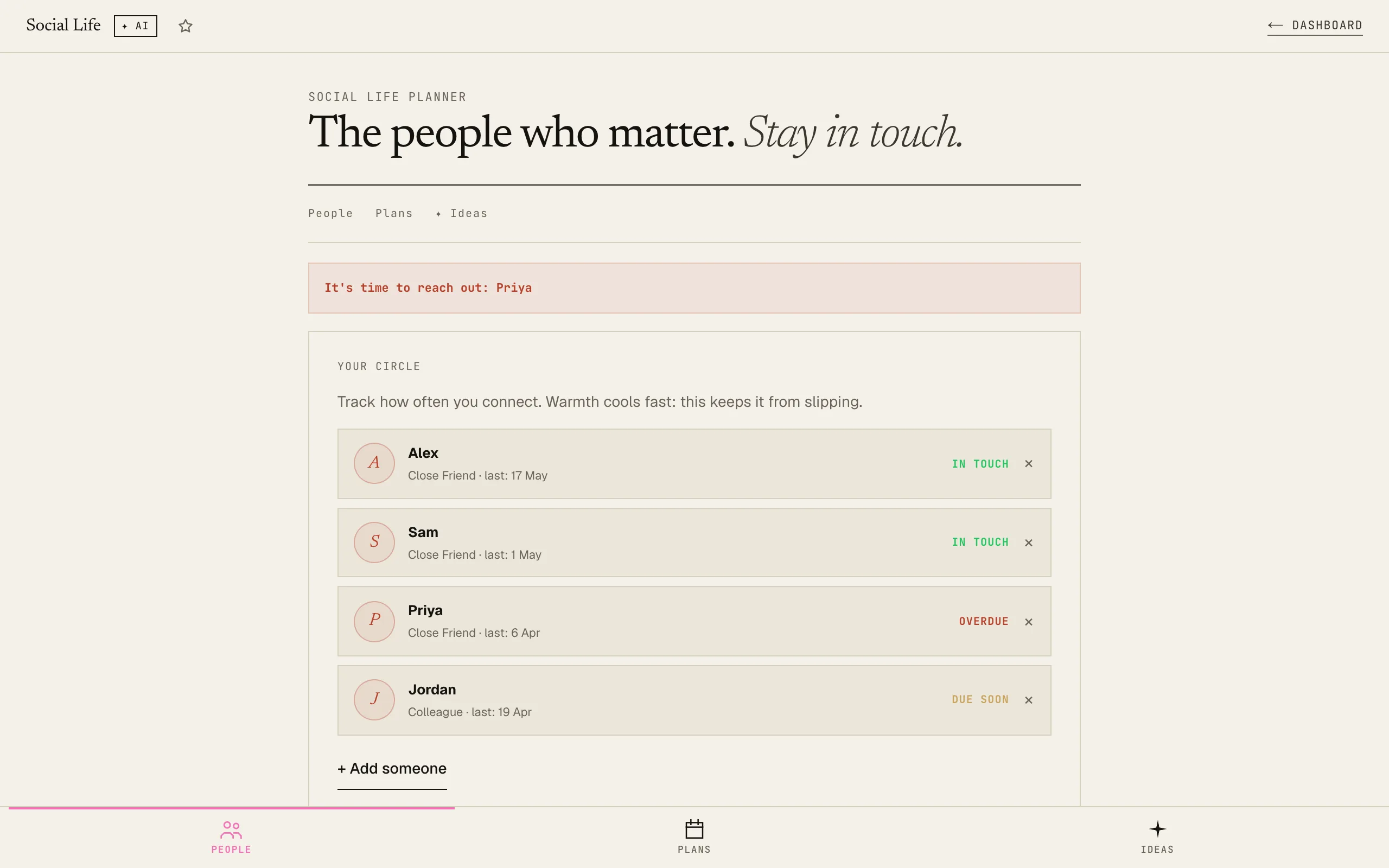
Set a check-in frequency per person. The app flags who you owe a call.
Free · Every tool unlocked · No card
Track the people you actually want to keep close.
Plans that actually happen, not we should grab coffee.
How it works
01Add your people
Name, relationship type, and how often you want to stay in touch. The app tracks warmth: in touch, due soon, overdue, gone quiet.
02Log your hangouts
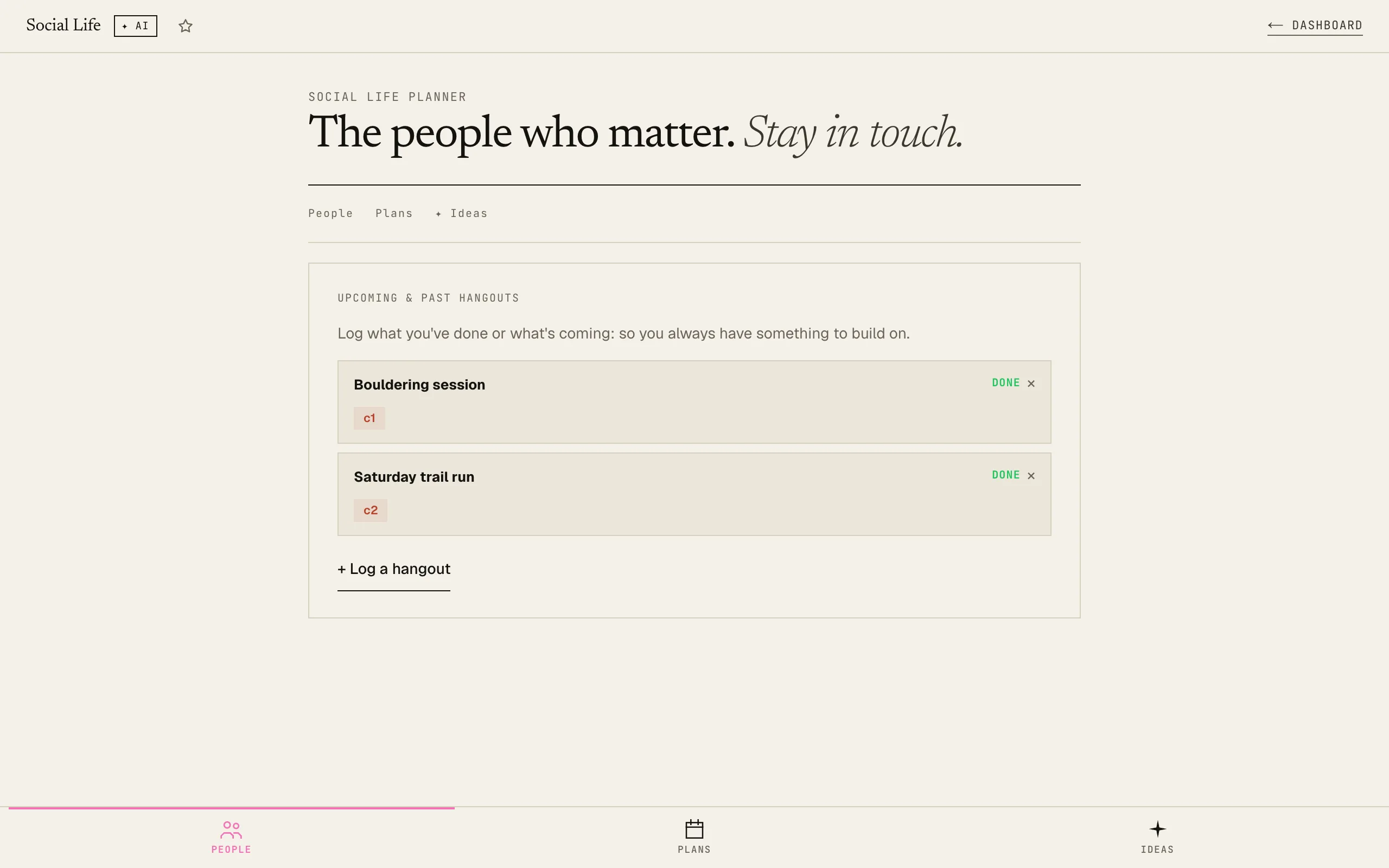
Mark past hangouts as done (it updates the last-contacted date automatically) or log upcoming ones. Plans tab keeps your social calendar in one spot.
03Get AI hangout ideas
Select who you want to see, pick a vibe and budget, add your city: AI returns 5 specific, concrete hangout ideas tailored to that group.
The friendships that matter most are the ones you have to actively protect. This makes it easier.
Related tools · these read this one, and this one reads them
Try it yourself · no signup, just play
Use Social Life Planner right here. No signup, no card.
Like it? Save your work and get the AI Coach.
Sign up freeFrequently asked
What does "check-in frequency" mean?
It's how often you want to connect with that person: weekly, monthly, every 3 months. The warmth indicator compares the days since your last contact against that target. If you haven't reached out in 1.2× the target window, it shows "Overdue".
Does it send me reminders?
Not currently: the overdue banner in the app shows you who's slipping when you open it. Browser notifications are a planned enhancement.
Can I use this for professional contacts too?
Yes: "Colleague" and "Acquaintance" are built-in relationship types. It works equally well for staying in touch with mentors, clients, or professional connections you want to maintain.
What if I don't know anyone to add yet?
Start with the Ideas tab: you can skip the People tracker entirely and just use the AI to brainstorm hangout ideas. Describe who you're planning for in the city/notes field.
Will my data be saved if I close the browser?
Yes: all contacts, plans, and settings save automatically to localStorage. Blacknave subscribers get cross-device sync so your social planner carries across devices.